
Version
0.14
Age Rating
17+
Compatibility
Android 2.0+
Screenshots
Description
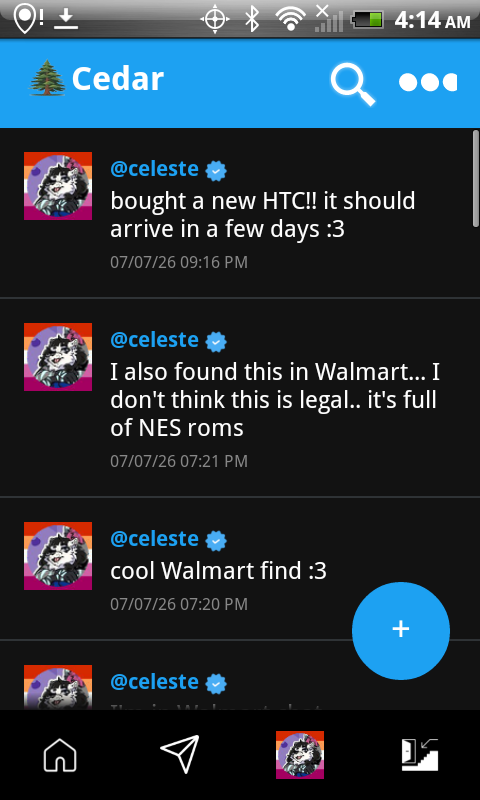
Welcome to Cedar! a lightweight, community-driven social media experience designed with old devices in mind.
Connect with your favorite Cedar creators, drop updates with custom emoticons, and stay in the loop without the overhead of modern bloatware algorithms. Built to perform flawlessly across both retro and modern devices.
What's New (Changelog)
0.15.4 (8/19/2026):

- Clicking on a post caption on the feed now opens the post
- Sharing a post now opens the share sheet
- Merged Cedar data into a Cedar folder instead of separate folders on the SD Card (photos, etc)

0.15.3 (8/18/2026):

- Increased max video length from 30 seconds to 30 minutes

0.15.2 (8/18/2026):

- Added scrolling pagination to the profile page posts

0.15.1 (8/18/2026):

- Fixed a security issue allowing you to post on other accounts without proper authorization
- Added an in-app updater allowing the app to be updated without going to the webpage

0.15 (8/6/2026):

- Fixed a bug that caused chat to not be refreshed immediately after sending a message
- Fixed a bug causing thumbnails not to cache
- Fixed a bug causing crashes on Android Ice Cream Sandwich when receiving notifications
- Fixed a bug causing the notification handler to not switch users after logging out
- Lowered minimum Android version to Android 1.6
- Added Last.FM support to profiles
- Added a register page
- Added account switcher, allowing you to switch accounts with ease

0.14 (6/2/2026):

- Adds support for videos (up to 30 seconds)
- Added a search function, allowing you to now search for posts and users
- Feed is now algorithm based instead of recency based
- Added Trends & Hashtags

[ KNOWN ISSUES WITH 0.14]

- After making a post, your post will not appear until after the algorithm refresh. This is being worked on

0.13.1 (6/2/2026):

- Added images to replies
- Added the ability go back to the main thread from replies
- Added custom emojis (:ava:, :avery:, :nekoderp:)
- Added the ability to share posts via a weblink or image (not a deeplink!)
- Moved to a new API URL

0.13 (6/1/2026):

- Images in Direct Messages can now be clicked to open the full-sized version in a web browser
- Added Push Notifications for Direct Messages
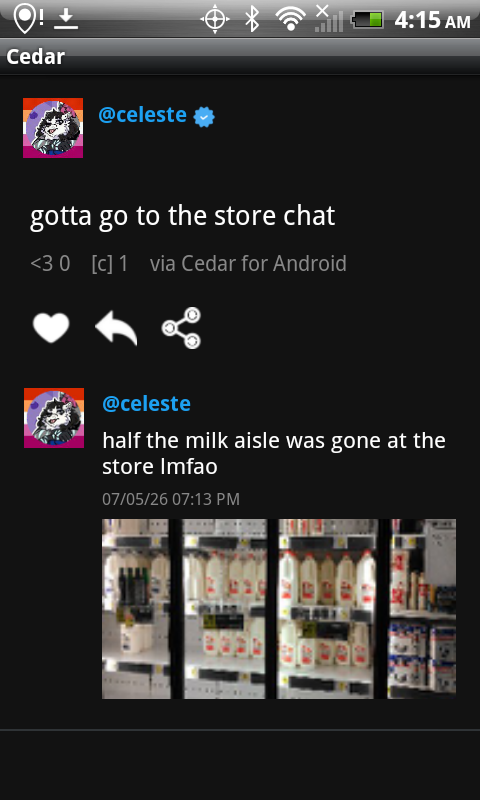
- Replies now show up as actual posts

0.12 (5/31/2026):

- Add Credits/Attributions page
- Added Verification
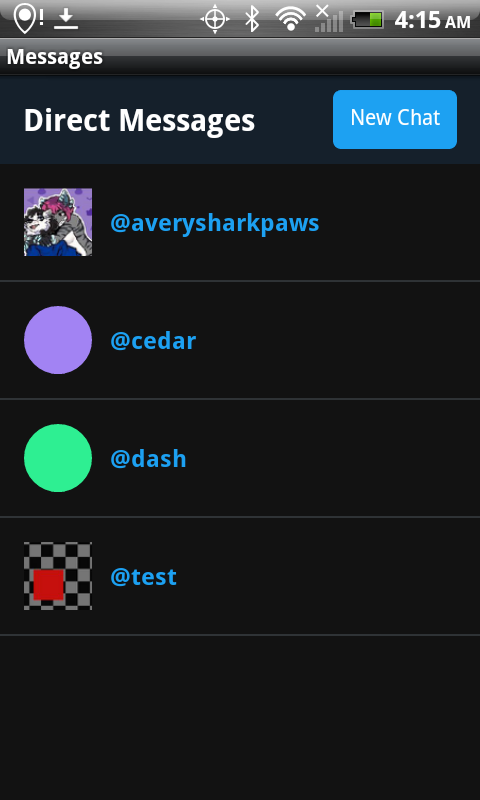
- Added Direct Messages
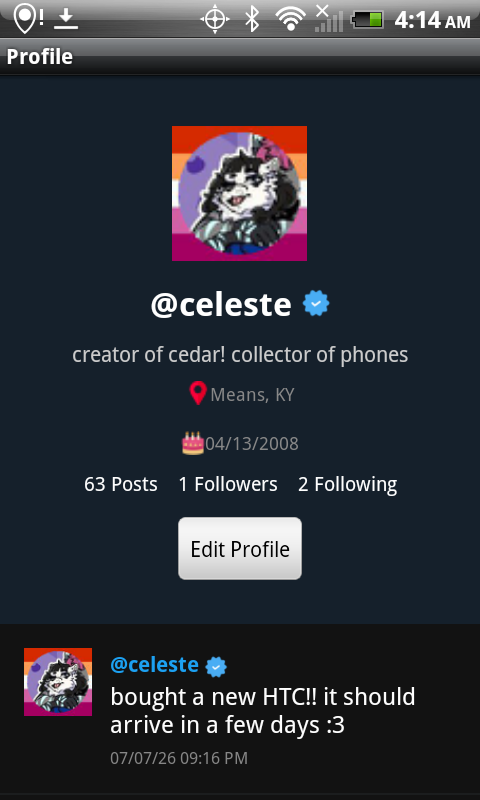
- Added new profile fields (Location and Birthdate)
- Pictures in posts now show up on the main feed if embedding is enabled
- Uploading multiple images per post is now possible
- Images can now be clicked to open them in fullscreen
- Hold clicking images now gives you a list of options
- Revamped Profile Page
- Revamped Navigation Bar, featuring new Icons
- Revamped Settings Page, featuring categories
- Fixed a bug where info in the Edit Profile was not autofilled
- For optimization, now only 25 posts at a time are pulled from the server until needed
- Added confirmation dialog before logging out on the Home Screen
- Photos can now be taken from the camera within the app when creating posts and when setting profile pictures
- Avatars can now be cropped from within the app!
- Added the ability to display thumbnails instead of high quality images on posts for lower end devices

0.11.3 (5/8/2026):

- Added settings menu
- Added the ability to enable image embedding on higher end devices

0.11.2 (5/8/2026):

- Profile info on the profile page now scrolls with the posts, giving more screen real estate
- Clicking on posts in the profile page now leads to the post view

0.11.1 (5/8/2026):

- Added a connection test, showing you a dialog if the server could not be reached
- Adds Source Labels, showing what device was used to post

0.11 (5/8/2026):

- Fixed app name being called AvaSocial instead of Cedar on certain devices
- Added tagging in posts (@'ing people in your posts)
- Added the ability to swipe down from the top to refresh
- Comment usernames can now be clicked to link to the users profile
- Images can now be uploaded, and can be accessed in posts via the View Image link

0.10 (5/8/2026):

- Renamed to Cedar
- Added an app icon
- No longer called "Login" on the Home Screen
- Login information now saves and will auto login on app start
- Replaced Like/Reply buttons with Icons (Like button turns pink when liked)
- Removed the default Android title bar
- Revamped the custom titlebar, adding an icon and moving the name

0.9 (5/8/2026):

- Add Likes
- Add Comments
- Fixed a deadlock bug when multiple people are accessing posts at once

0.8 (5/8/2026):

- Fixes bug causing images to be requested multiple times
- Fixes bug causing images to not be resized, causing crashes on older devices
- Add cache for images